
Offer Ends In
00
:
00
:
00
:
00
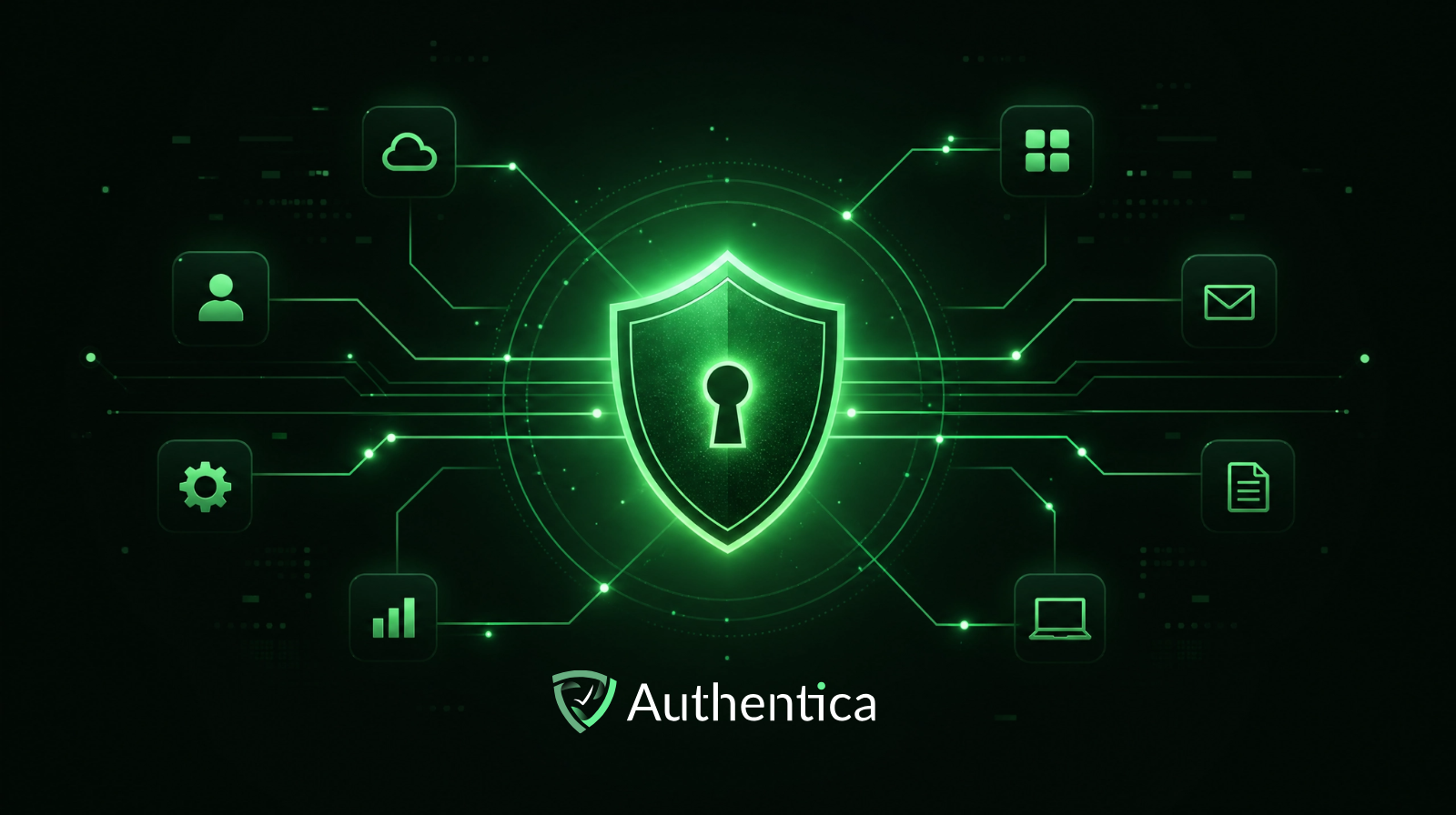

Single Sign-On (SSO) has become an essential user authentication for many companies, especially ones with multiple applications that users need to deal with, in addition to consumer facing apps that want to make login easier and provide users with an easy yet secure logging in and signing up experience. In this blog, we are sharing the key best practices you need to know to implement SSO effectively and securely.
Single Sign-On (SSO) is an authentication method that allows users to access multiple applications and systems using a single set of credentials. Instead of managing separate usernames and passwords for every tool, users authenticate once through a central identity provider and gain access to all connected services without multiple logins.
The way SSO works is by establishing trust between an identity provider and multiple service providers, which are the apps that utilize this authentication method. When a user logs in, the identity provider verifies their credentials and issues a secure authentication token. This token is then used by other applications to validate the user’s identity without requiring them to log in again.
Selecting the right authentication protocols is essential for a successful SSO implementation. The three most widely used protocols are SAML 2.0, OAuth 2.0, and OpenID Connect (OIDC), and each serves a different purpose.
SAML 2.0 is best suited for enterprise-level applications with strict compliance requirements. OIDC is a lightweight and modern standard that works well for web and mobile applications. OAuth 2.0 is often used alongside OIDC specifically for authorization.
Once a user authenticates through SSO, managing their active sessions effectively is critical for both security and user experience. Without this measure, a single compromised session can expose all connected applications at once.
To manage sessions properly, you essentially need to cap session durations, limit the number of concurrent sessions per user, and revoke any sessions that show abnormal behavior. For example, configuring sessions to expire after eight hours of inactivity drastically reduces the risk of unauthorized access from abandoned or forgotten logins.
This also means watching for unusual login patterns, such as multiple failed authentication attempts or logins from new geographic locations. These indicators of potential attacks mean that you will terminate suspicious sessions and prompt re-authentication with multi-factor authentication being required.
Adding multi-factor authentication (MFA) to your SSO setup is one of the most effective ways to strengthen the security of your platform. MFA means that even if a user's credentials are compromised, an attacker cannot gain access without passing the second verification step, which is often hard to pass. MFA methods to consider include face recognition, OTPs or push notifications.
Adding social logins is a great way to enhance the usability of your SSO implementation. With social login, users can authenticate with existing accounts from services like Google or Microsoft accounts, which makes it possible to use SSO even without creating any new credentials.
For organizations looking to implement SSO without the complexity of building and maintaining their own infrastructure, Authentica offers a readily developed SSO service designed to integrate seamlessly with modern platforms and applications.
The service provides centralized authentication across cloud-based, on-premises, and hybrid applications with one API, enabling organizations to unify access management with minimal effort and system disruption and with on-demand fee basis.
Implementing SSO is one of the best investments in both security and platform usability, however, the effectiveness of SSO depends heavily on how well it is implemented. Choosing the right authentication protocols, enforcing multi-factor authentication, managing sessions securely, and using social login can all be great considerations for making the SSO implementation work greatly and serve its purpose without compromises.



